How to Find Your Minecraft Seed (Java, Bedrock, Servers & Realms)
By
Minecraft Search
|
9 min read
|
Updated on
July 28, 2026
Written with AI assistance.
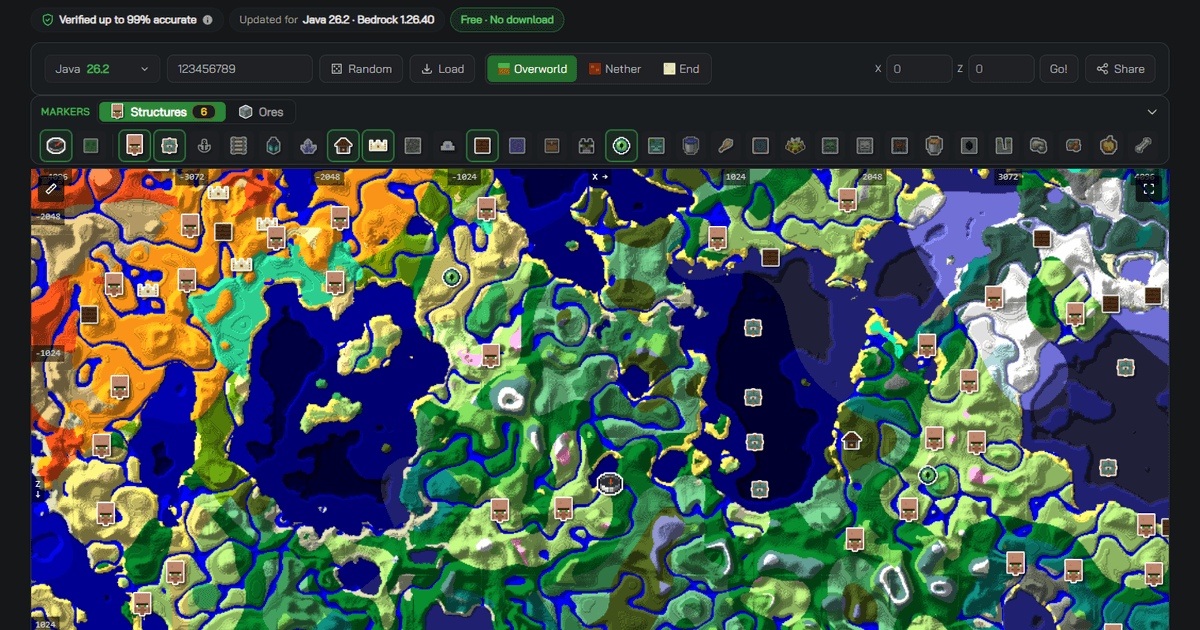
TL;DR: how to find seed in Minecraft
- ✅ Java Edition: open the chat and type /seed. In single-player it works even with cheats switched off.
- ✅ Bedrock Edition, including Switch, Xbox and PlayStation: there is no /seed command — open Edit World and copy the Seed field in the world settings.
- ✅ On a multiplayer server: you need operator permission to run /seed. The game no longer sends the seed to ordinary players.
- ✅ On a Realm: a Java operator can run /seed; a Bedrock owner downloads the world first, then reads the seed from the local copy.
- ✅ Can't run commands at all? The seed is in the save folder — level.dat up to Java 25.x, data/minecraft/world_gen_settings.dat from 26.1 onwards. Drop either one into our Minecraft Seed Map and it reads the seed and the version out for you.
Every Minecraft world is generated from a single number called the seed, and knowing yours is what turns a blind survival world into one you can plan. The catch is that the answer to "where is it?" depends entirely on where your world lives — the command that works instantly in Java Edition does not exist in Bedrock, and a server or a Realm adds its own rules. This guide covers every case, current as of Java 26.2 and Bedrock 1.26.40.
How do I find my seed in Java Edition?
Open the chat (T by default) and type /seed, then press Enter — the game prints your world's seed straight into the chat, and you can click it to copy. This is the one command that is exempt from the usual rules: in single-player it needs permission level 0, which means it works even when cheats are turned off.
If you would rather not touch the chat, there is a second route. Quit to the worlds list, select your world, and choose Re-create: the world-creation screen opens with the original seed already filled into the seed box, ready to copy. Back out of that screen instead of clicking Create and nothing about your world changes.
How do I find my seed in Bedrock Edition or on console?
There is no /seed command in Bedrock Edition — it is a Java-only command, and this is the single most common reason people get stuck. Instead, the seed is written on the world's own settings screen: from your worlds list, tap the pencil (Edit) next to the world, and the Seed field appears in the world settings under Advanced, with a copy button next to it.
That same screen is the answer on Nintendo Switch, Xbox and PlayStation, because every current console version of Minecraft runs Bedrock Edition. There is no separate console method to look for — if you can reach Edit World, you can read the seed.
Don't turn on cheats just to see your seed
You never need to. Reading the Seed field costs you nothing, but switching cheats on in a Bedrock world permanently disables achievements for that world — an expensive way to find a number the settings screen already shows you.
| Where your world lives | How to see the seed | What you need |
|---|---|---|
| Java single-player | /seed in chat | Nothing — works with cheats off |
| Java multiplayer server | /seed in chat | Operator permission (level 2) |
| Java Realm | /seed in chat | Operator on the Realm |
| Bedrock (phone, tablet, PC) | Edit World → Seed field | The world on your own device |
| Console (Switch, Xbox, PlayStation) | Edit World → Seed field | Same as Bedrock — console is Bedrock |
| Bedrock Realm | Download the world, then edit the local copy | Realm owner |
| Any Java world, no commands | level.dat (to 25.x) or data/minecraft/world_gen_settings.dat (26.1+) | The world folder on disk |
How do I find the seed of a Minecraft server?
On a Java server you need operator permission: /seed sits at permission level 2, so an ordinary player cannot run it, and Java stopped sending the world seed to connected clients — there is no way to read it simply by playing on someone's server. On a Bedrock dedicated server there is no /seed command at all (it is Java-only), so the seed has to come from the server's own world files or from whoever set the world up. Either way, if you are not staff, the honest answer is to ask whoever runs it.
If the server is yours, you have three routes, and they are not equally trustworthy. Run /seed from the chat as an operator or straight from the server console. Or read it out of the world's own save data, which is where the seed actually lives (see the section below for which file that is on your version). You can also read the level-seed line in server.properties, but treat that one with suspicion: it is the value a world is generated from, not a record of the world you are running now — it is blank unless someone set it, and if it was edited afterwards, or the world was replaced, it will hand you a plausible seed for a world that no longer exists.
Can I see the seed of a Realm?
Yes — if you own the Realm, or on Java if the owner has made you an operator. The two editions take different routes. On a Java Realm, any operator can simply run /seed in chat like any other server. On a Bedrock Realm there is no command to run, so the owner opens the Realm's settings, chooses Download World, and then opens that downloaded copy from the local worlds list and reads the Seed field in its settings, exactly as with any other Bedrock world.
What if I can't run commands at all?
Every Java world stores its seed in its own save folder, so you can recover it without launching the game at all. The saves live at %APPDATA%\.minecraft\saves on Windows, ~/Library/Application Support/minecraft/saves on macOS and ~/.minecraft/saves on Linux, and each world is a folder inside that.
Which file depends on your version, and this catches people out. Up to Java 25.x the seed lives in level.dat at the top of the world folder. From Java 26.1 onwards it moved: look in data/minecraft/world_gen_settings.dat instead. If you point a tool at level.dat from a 26.1+ world and it tells you the file is invalid, this is why — nothing is corrupted, the seed simply is not in there any more.
You do not need an NBT editor for either one. The Load button in our Minecraft Seed Map opens both layouts in your browser — level.dat from an older world, world_gen_settings.dat from a 26.1+ one — and fills in the seed and, where the file records one, the version your world was last saved in. That second half is the part people get wrong: most find their seed, guess the version, and then wonder why the map does not match. Three honest limits: it reads Java saves only (Bedrock's format is different, and Bedrock shows you the seed on screen anyway); worlds last saved before 1.9 record no version; and a world carried through several updates holds chunks generated by more than one, so treat the version as a strong starting point rather than gospel.
Why does /seed show a number when I typed a word?
Because Minecraft never stores the word. In Java Edition any 64-bit signed integer is a valid seed, and typed text is converted to a 32-bit number using Java's hashCode — so "glacier" and the number it produces are the same world, and the number is simply the real seed. Bedrock hashes text differently and its seeds are 32-bit, so the same word does not give you the same world across editions.
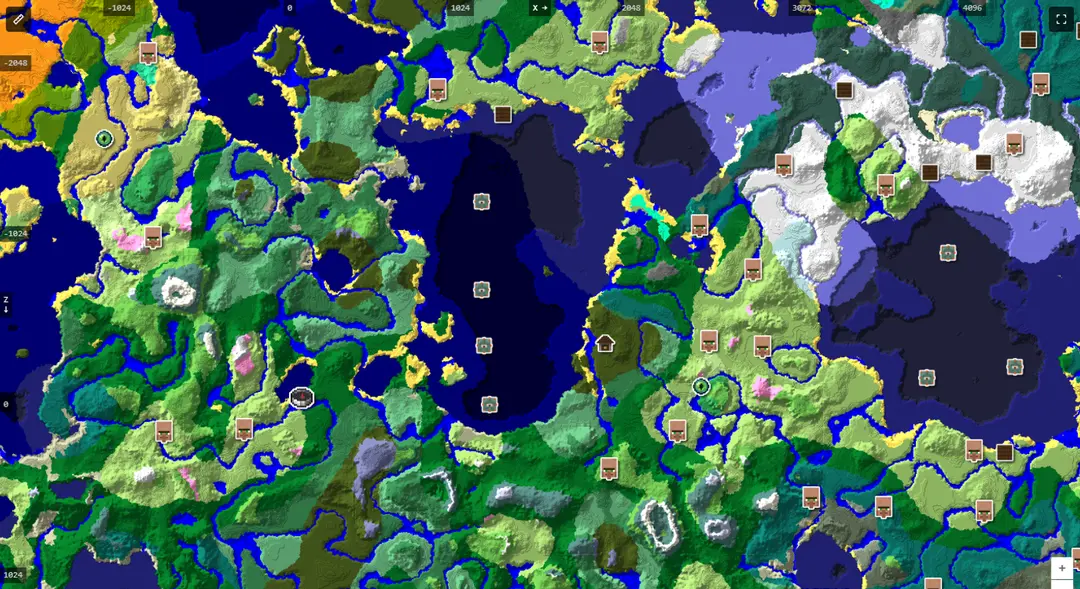
Got your seed? Paste it into our Minecraft Seed Map to see the biomes, villages, strongholds and ores in your world before you walk there — Java and Bedrock, at the exact version you play.
Open the Minecraft Seed Map →I have my seed — now what?
The seed is only useful once something reads it back. Drop it into a seed map and the world stops being a mystery: you can see which biomes surround your base, where the nearest village is, and which way to walk for a stronghold — before spending an evening walking the wrong way.
- Locate the stronghold nearest your spawn instead of throwing Eyes of Ender across the map.
- Find the closest village for early trading.
- Plan a mining trip with the diamond guide.
- New to seed maps? Start with how to use a seed map.
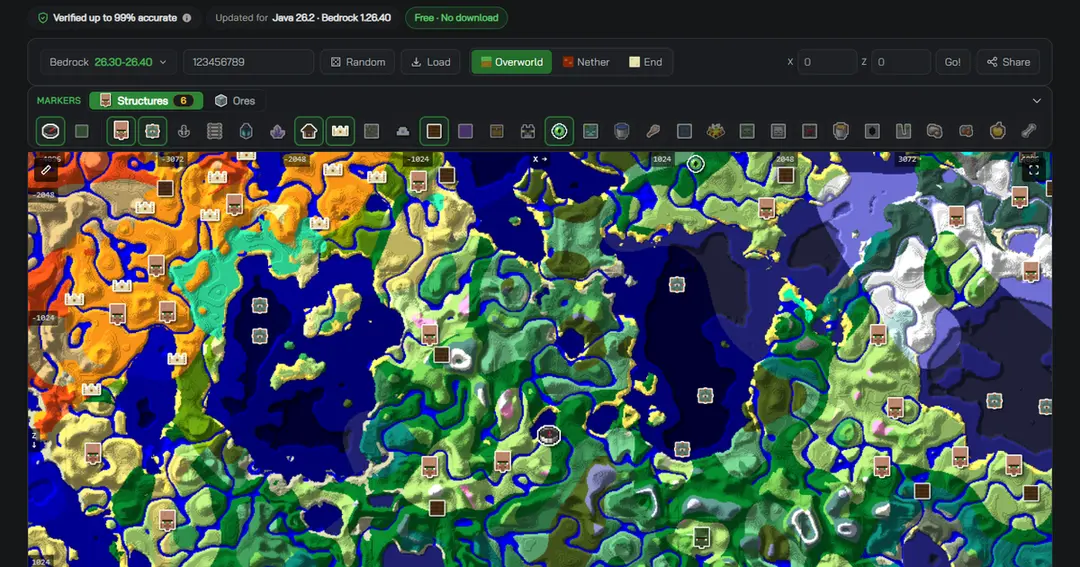
One thing to get right: match the edition and the version. The same seed does not build the same world in both editions — Java and Bedrock place structures differently, so the village or stronghold you are walking to will not be where the other edition's map puts it. World generation also changes between versions. Set either one wrong and the map stops matching your game. If you loaded your seed from a level.dat, the version is already filled in for you.
Frequently Asked Questions (FAQ)
Q: Does the /seed command work in Bedrock Edition?
A: No. /seed is exclusive to Java Edition. In Bedrock — including Switch, Xbox and PlayStation — you read the seed from the Edit World settings screen instead, where it has its own copy button.
Q: Do I need cheats enabled to use /seed in Java?
A: No. In a single-player Java world /seed requires permission level 0, so it works with cheats off. On a multiplayer server it requires permission level 2, which means operator.
Q: How do I find the seed of a server I play on but don't own?
A: Not directly. /seed needs operator permission and the server no longer sends the seed to clients, so an ordinary player has no way to read it. Third-party tools do exist that try to infer a seed from the world around you, but that is a different thing from reading it, and pointing one at a server you don't run is likely to breach its rules — ask the owner or an administrator instead.
Q: How do I check my seed without opening Minecraft?
A: Read it out of the save folder. On Java that is level.dat up to 25.x, and data/minecraft/world_gen_settings.dat from 26.1 onwards. You can open either file directly in our seed map with the Load button and it will pull out the seed and the version for you.
Q: Does my seed change when Minecraft updates?
A: No — the seed itself never changes. What changes is what the game builds from it: world generation is adjusted between versions, so newly generated chunks can differ. That is why a seed map only matches your world when it is set to the same edition and version.