Minecraft Biome Finder (Java & Bedrock)
Highlight any biome on your Minecraft seed — Java 26.3 & Bedrock 1.26.51, any seed, free, no sign-up.
Quick answer: The Minecraft Biome Finder shows where every biome generates on your seed. Pick a biome above and the map highlights every patch of it — free, any seed, Java and Bedrock, no sign-up.
What is a biome finder?
A biome finder shows where each biome generates on your Minecraft seed. Enter your seed, pick a biome, and the map highlights every patch of it at once, so you can see exactly where it generates on that seed. It reads the world generator directly, so you can scout a seed before you ever load it in-game.
How does the biome finder work?
It runs the same world-generation maths Minecraft uses, in your browser, to compute the biome at each point of your seed. The chosen biome is painted in full colour while the rest of the map dims, so its patches stand out at a glance, however far apart they are.
Which biomes can it find?
Every biome in the game — Overworld surface biomes (plains, forests, deserts, oceans, mountains), the underground cave biomes (Lush Caves, Deep Dark, Dripstone, Sulfur Caves), and the Nether and End biomes. Pick any of them from the biome selector, or open one of the dedicated finders below.
Does the biome finder work on Bedrock?
Yes — it supports both editions, Minecraft 26.3 on Java and 1.26.51 on Bedrock. Pick your edition in the map toolbar; biome placement can differ between editions, so always match it to the world you are playing. It is free, works on any seed, and needs no sign-up.
How do I find a biome's coordinates?
Once the map highlights your biome, click any highlighted patch and a popup shows its exact X/Z coordinates, so you have a point to travel to. You can pan and zoom the map freely — just like the full seed map — to pick the patch that suits you.
How to find a biome in Minecraft
Pick the biome and enter your seed, and the map paints every patch of it at once — that highlighted map is the answer. A biome is a region rather than a point, so there is no single coordinate to walk to; click any highlighted patch to read its coordinates and head for the one you like. It works on any seed, on Java and Bedrock, with nothing to download and no sign-up.
Java and Bedrock biome names
Bedrock Edition kept older names for some biomes, so a Bedrock player and a Java player can be hunting the same place under two different names. This site uses the Java names throughout; switch the map to Bedrock and it relabels them, and either name will find the biome. These are the ones that differ.
| Java name | Bedrock name |
|---|---|
| Badlands | Mesa |
| Dark Forest | Roofed Forest |
| Eroded Badlands | Mesa Bryce |
| Ice Spikes | Ice Plains Spikes |
| Mushroom Fields | Mushroom Island |
| Nether Wastes | Nether |
| Old Growth Birch Forest | Birch Forest Mutated |
| Old Growth Pine Taiga | Mega Taiga |
| Old Growth Spruce Taiga | Mega Spruce Taiga |
| Snowy Beach | Cold Beach |
| Snowy Plains | Ice Plains |
| Snowy Taiga | Cold Taiga |
| Sparse Jungle | Jungle Edge |
| Stony Shore | Stone Beach |
| Swamp | Swampland |
| Windswept Forest | Extreme Hills Plus Trees |
| Windswept Gravelly Hills | Extreme Hills Mutated |
| Windswept Hills | Extreme Hills |
| Windswept Savanna | Savanna Mutated |
| Wooded Badlands | Mesa Plateau |
Every biome finder
Every biome in the game has its own finder page with full details — grouped below the way the seed map groups them. Pick one, or use the biome selector above to highlight any biome on your seed.
Beaches & shores
Cave biomes
 Lush Caves FinderUnderground in the Overworld, under azalea trees (most common around Y 0 to ‒30)
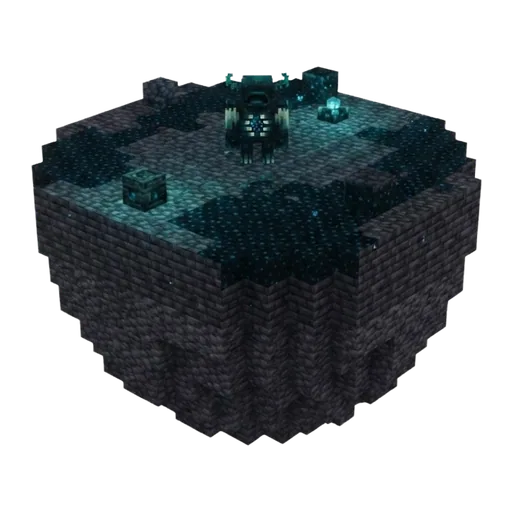 Deep Dark FinderDeep underground in the Overworld, around Y ‒51 and below, beneath mountainous terrain
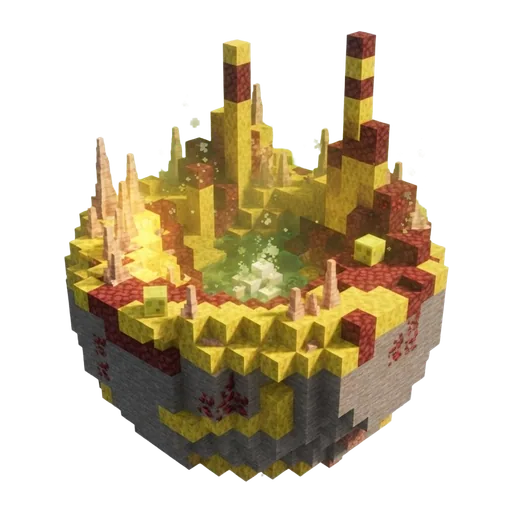 Sulfur Caves FinderUnderground in the Overworld, in the cave layers (sampled around Y ‒40)
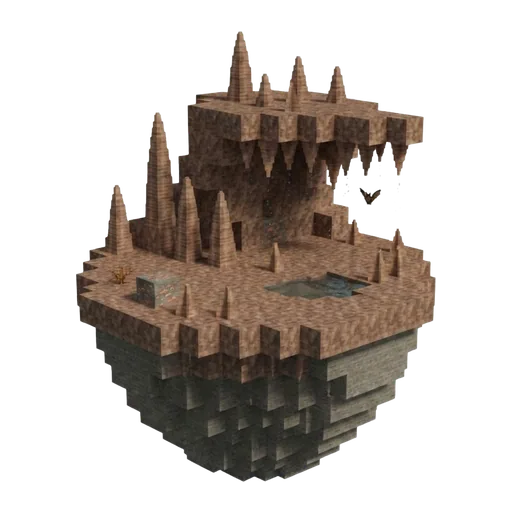 Dripstone Caves FinderOverworld, underground in the cave layers (dig down to reach them)
Forests
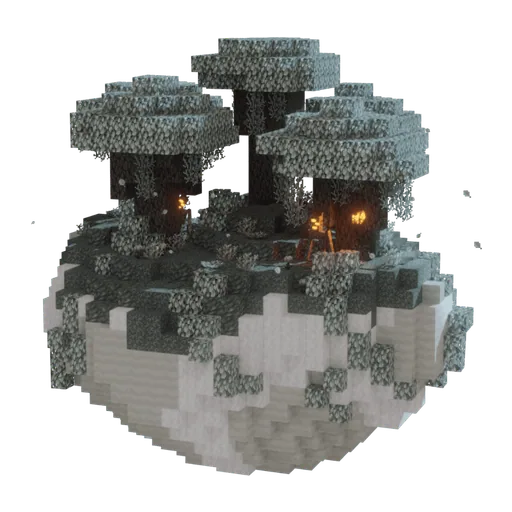 Pale Garden FinderOverworld surface, as a rare variant within Dark Forest regions
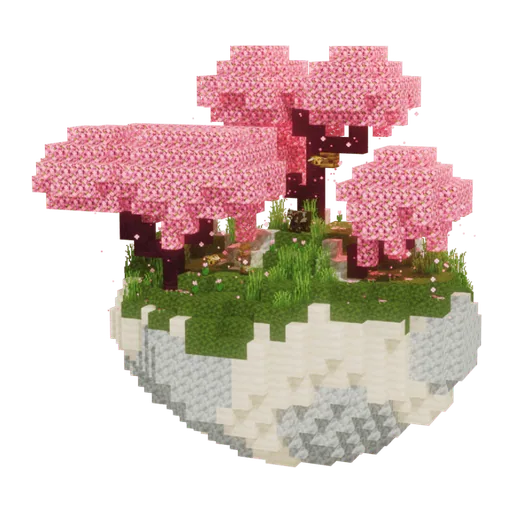 Cherry Grove FinderOverworld surface, on mountain slopes and hills (a high-altitude biome)
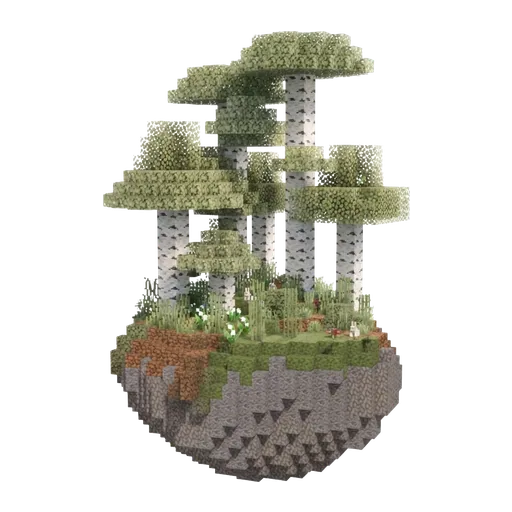 Birch Forest FinderOverworld surface, a temperate lowland filled with birch trees
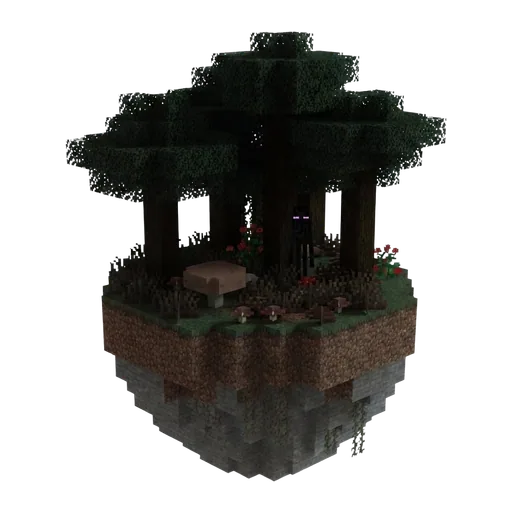 Dark Forest FinderOverworld surface, a dense dark-oak woodland with a closed canopy
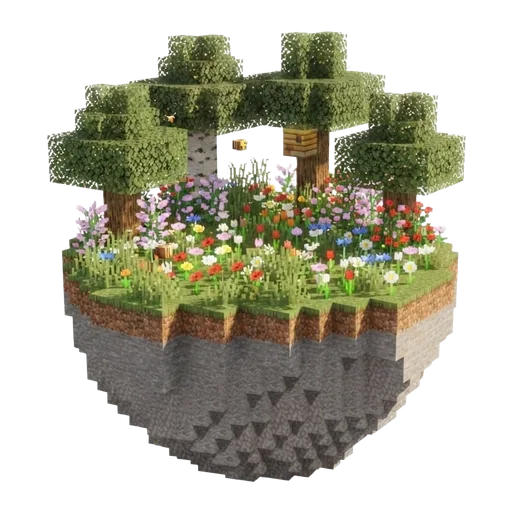 Flower Forest FinderOverworld surface, a temperate woodland with scattered trees and dense flower cover
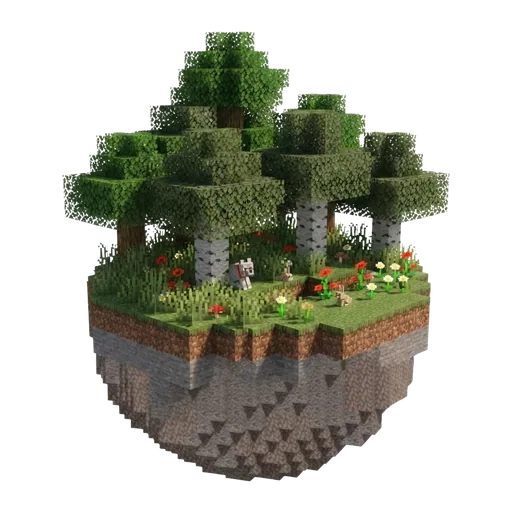 Forest FinderOverworld surface, a temperate lowland of mixed oak and birch
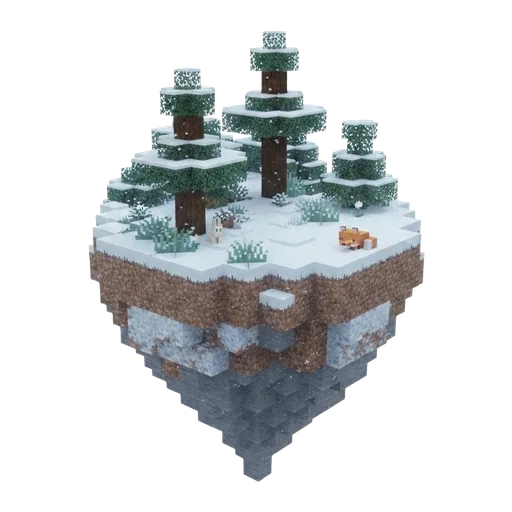 Grove FinderOverworld surface, snowy spruce woodland on mountain slopes below the peaks
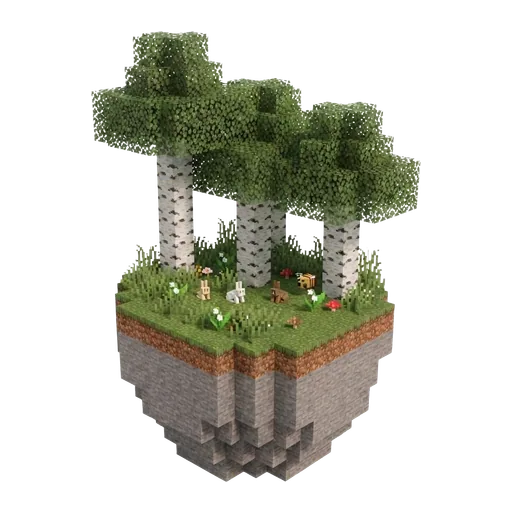 Old Growth Birch Forest FinderOverworld surface, a tall-tree variant of the birch forest
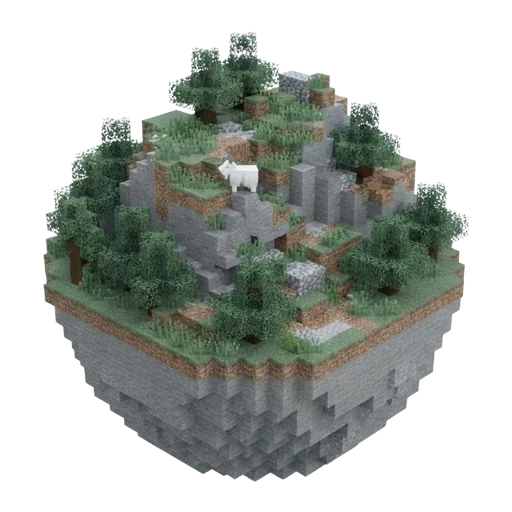 Windswept Forest FinderOverworld surface, steep forested mountains and ridges
Icy & frozen
Jungles
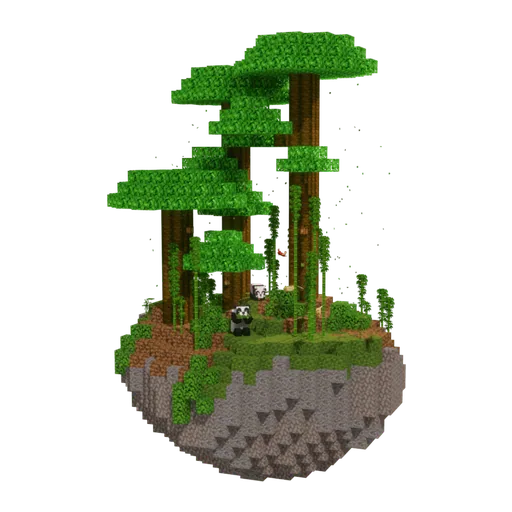
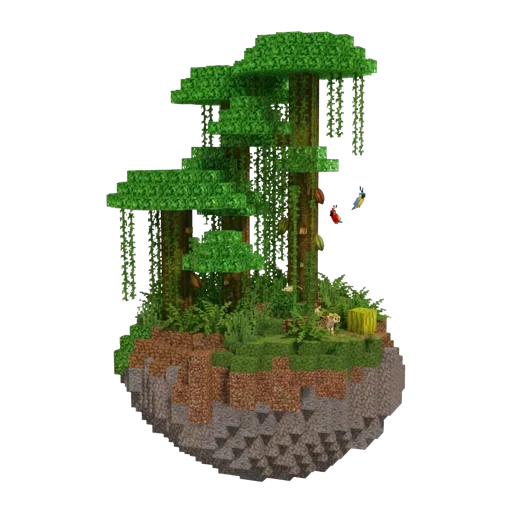
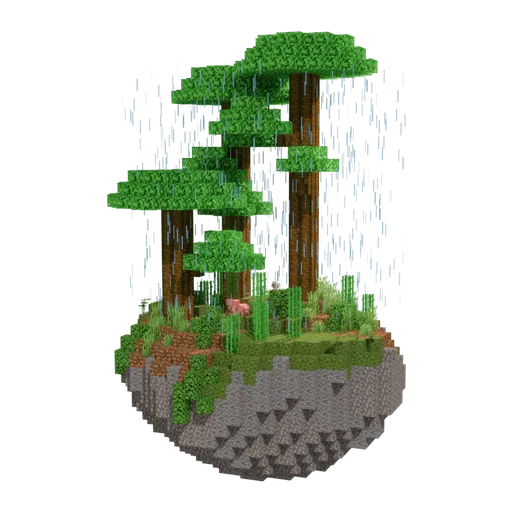
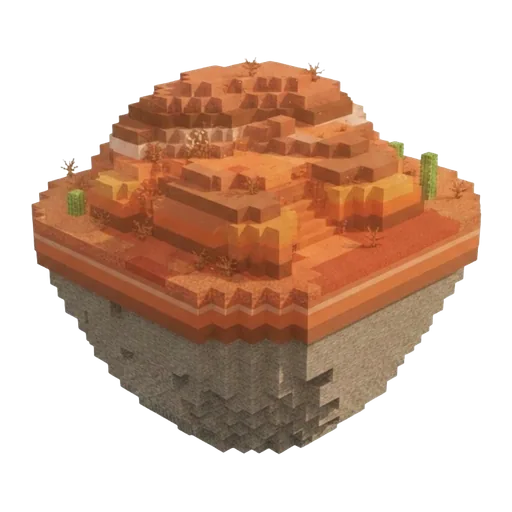
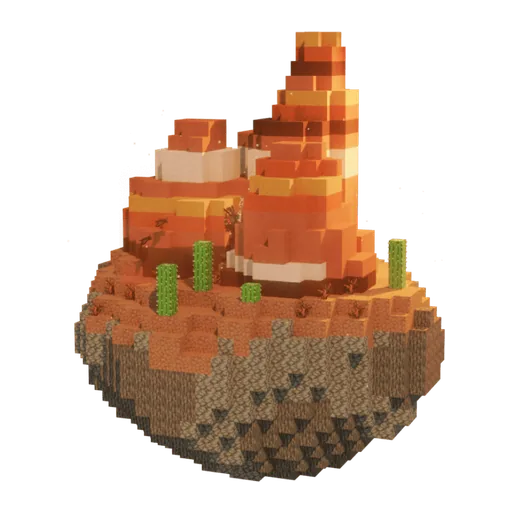
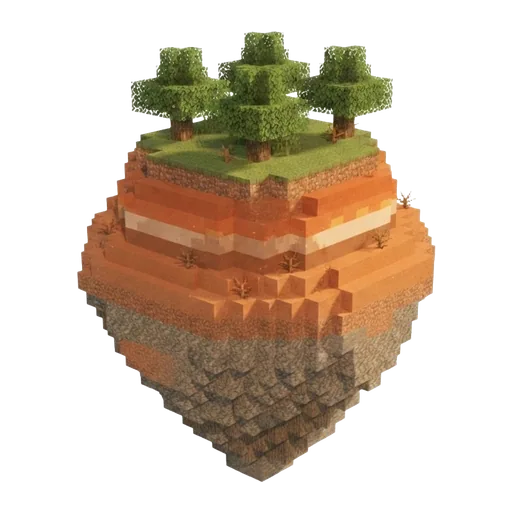
Badlands
Mountains & peaks
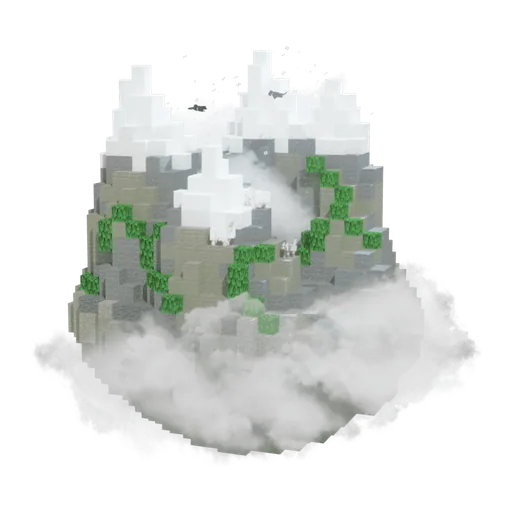 Jagged Peaks FinderOverworld surface, at the highest mountain summits in cold to moderate regions
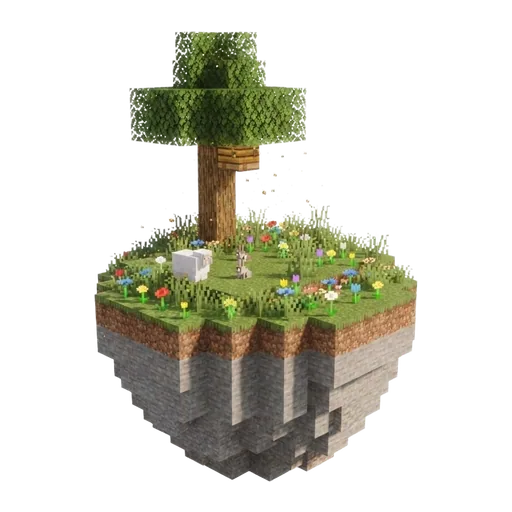 Meadow FinderOverworld surface, on mountain slopes, plateaus and the valleys enclosed inside mountain ranges
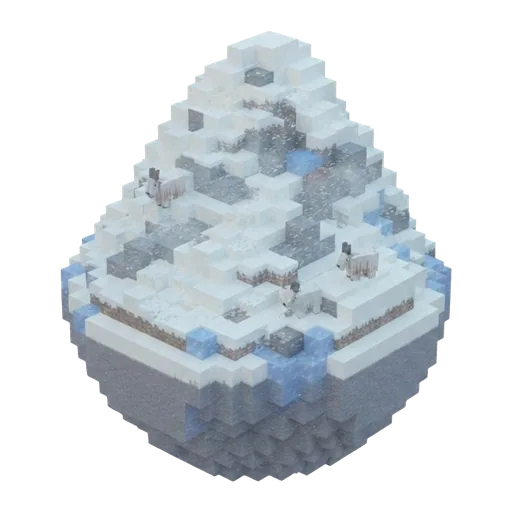 Snowy Slopes FinderOverworld surface, on the snowy mid-slopes between the meadows below and the icy peaks above
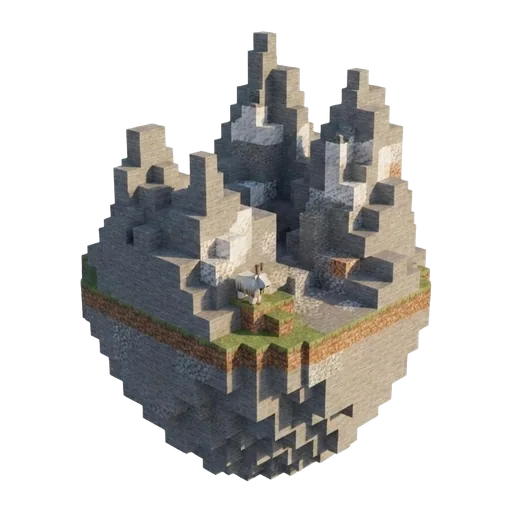 Stony Peaks FinderOverworld surface, at high mountain summits in warm regions, near forests, savannas and jungles
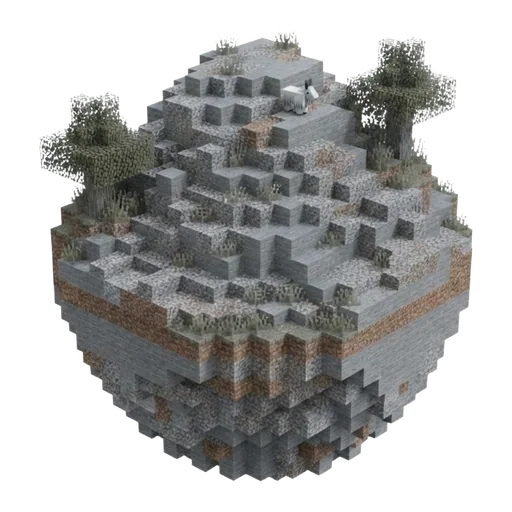 Windswept Gravelly Hills FinderOverworld surface, on cold, broken highland terrain bordering snowy plains and ice spikes
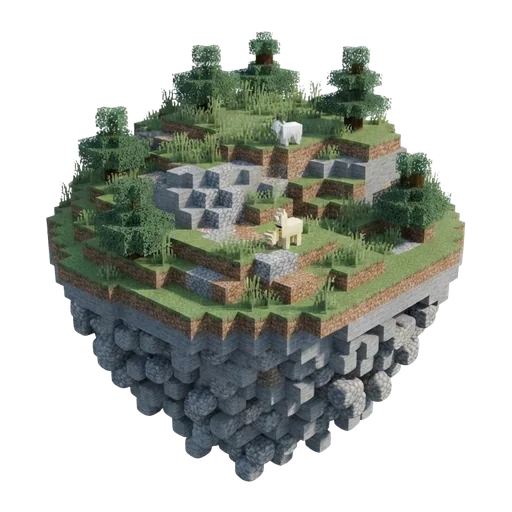 Windswept Hills FinderOverworld surface, on cold, jagged hill terrain that often rings swamps and lowland forests
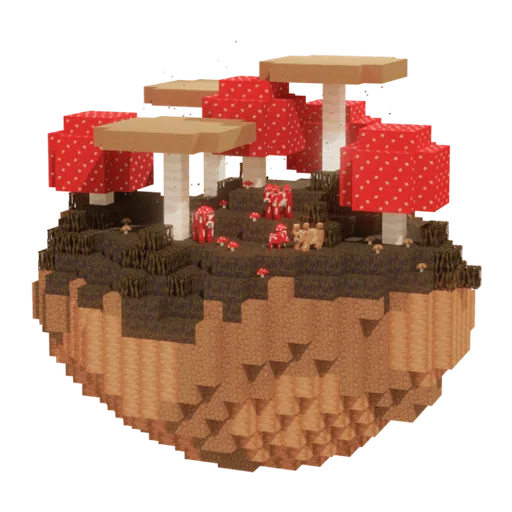
Mushroom Fields
Oceans
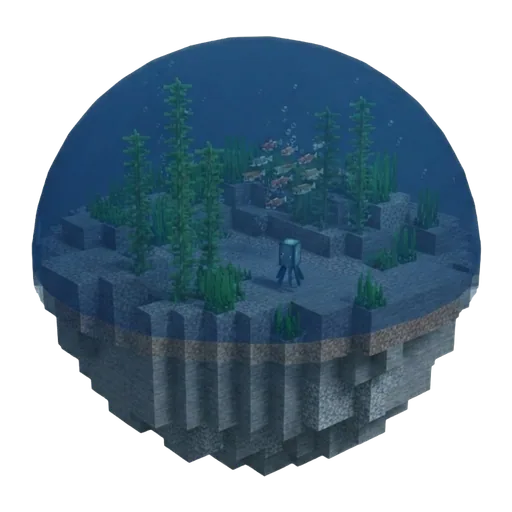 Cold Ocean FinderOverworld surface, cool-region sea near snowy and taiga coasts
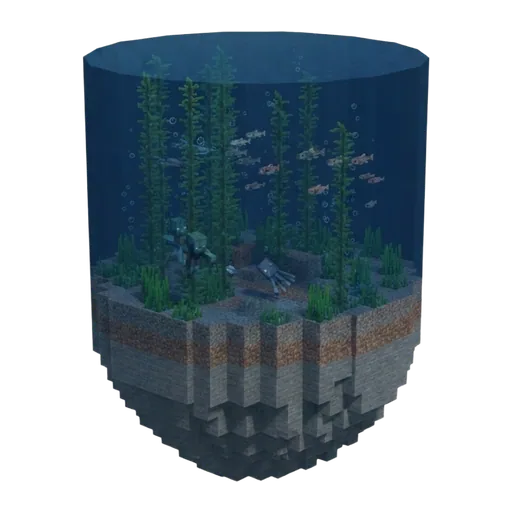 Deep Cold Ocean FinderOverworld surface, the deep basins of cool-climate seas
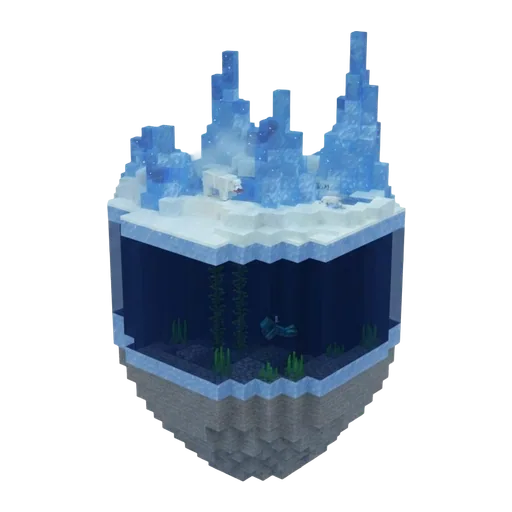 Deep Frozen Ocean FinderOverworld surface, the deep, ice-capped seas of the coldest regions
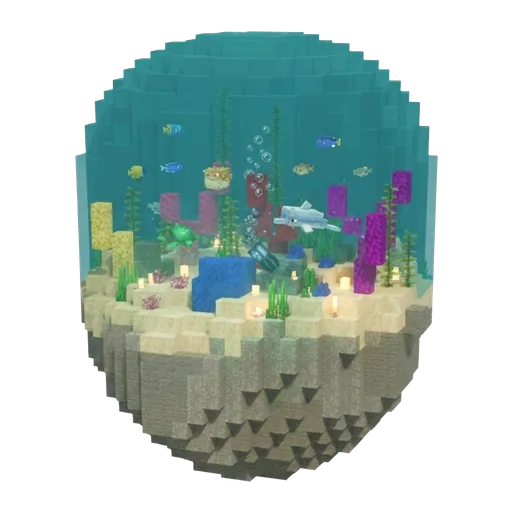 Deep Lukewarm Ocean FinderOverworld surface, the deep basins of warm-water seas
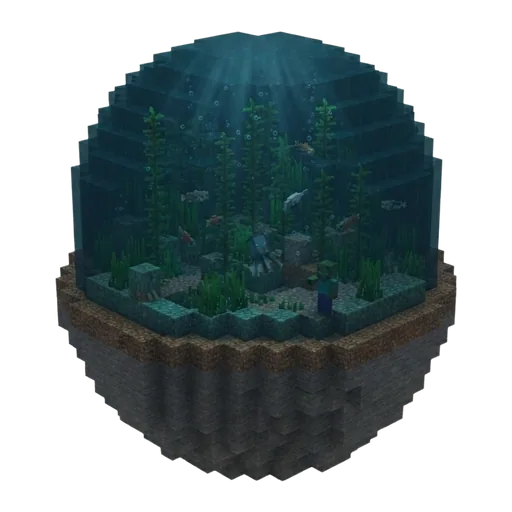 Deep Ocean FinderOverworld surface, the deep central basins of the open sea
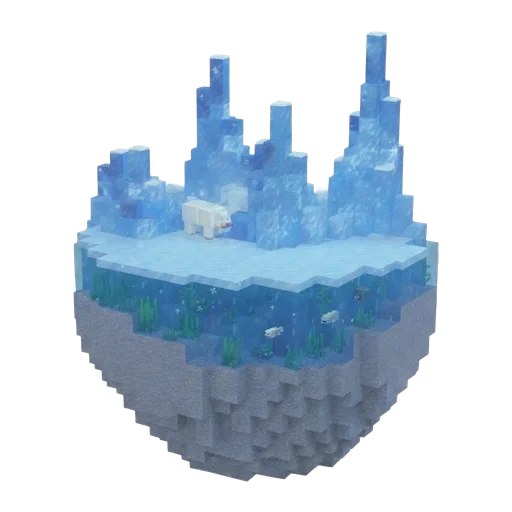 Frozen Ocean FinderOverworld surface, the coldest seas, frozen over with ice and icebergs
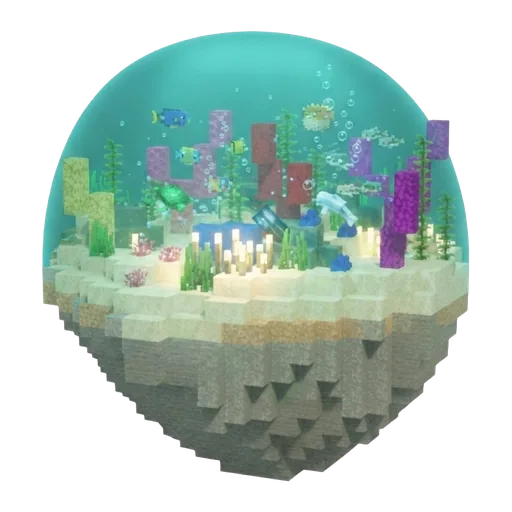 Lukewarm Ocean FinderOverworld surface, warm-water sea ringing the warm oceans
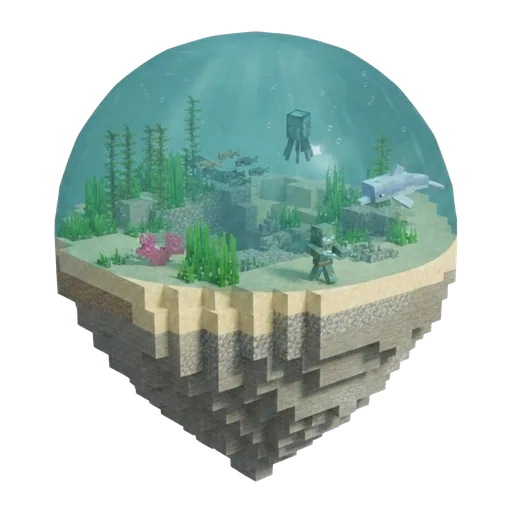 Ocean FinderOverworld surface, the open sea at temperate, mid-latitude regions
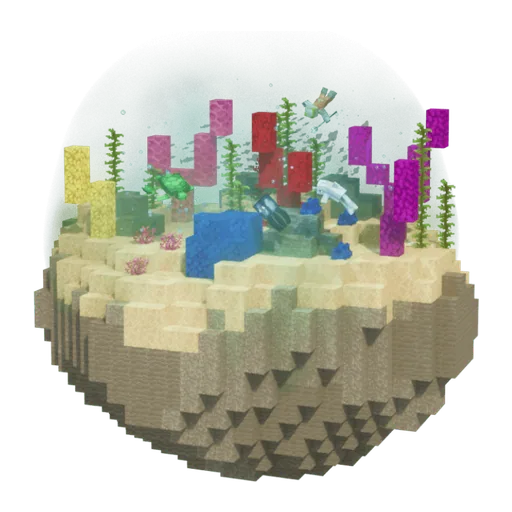 Warm Ocean FinderOverworld surface, the open sea in the hottest regions (the warmest ocean)
Plains
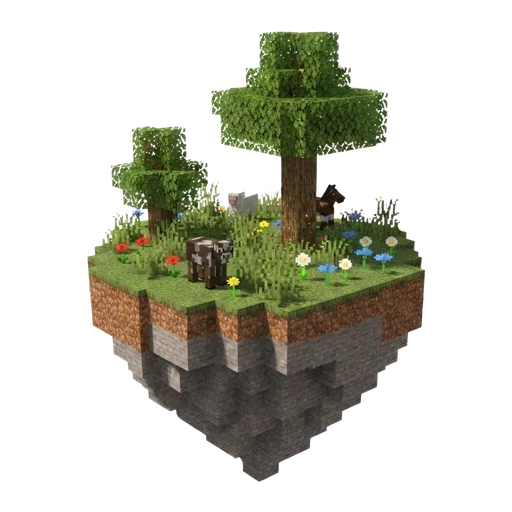
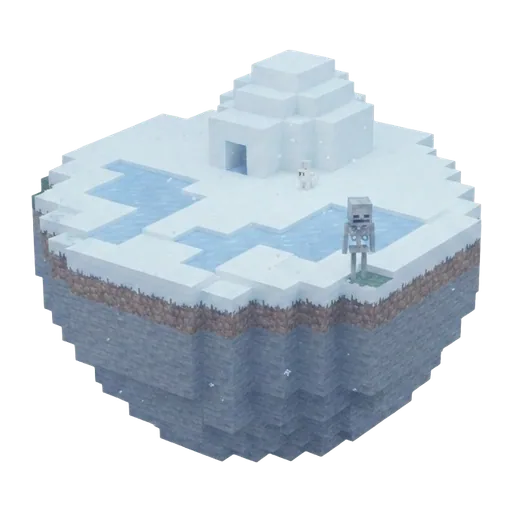
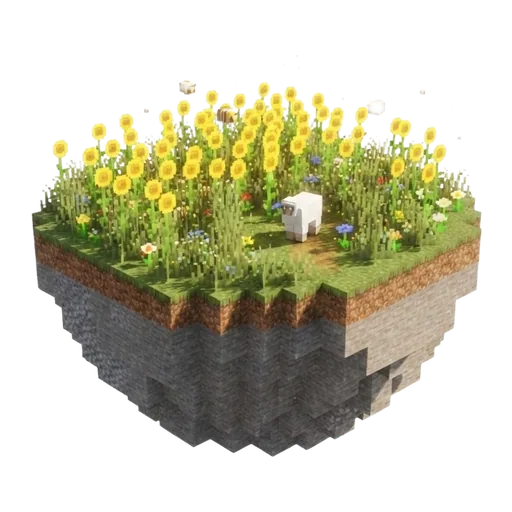
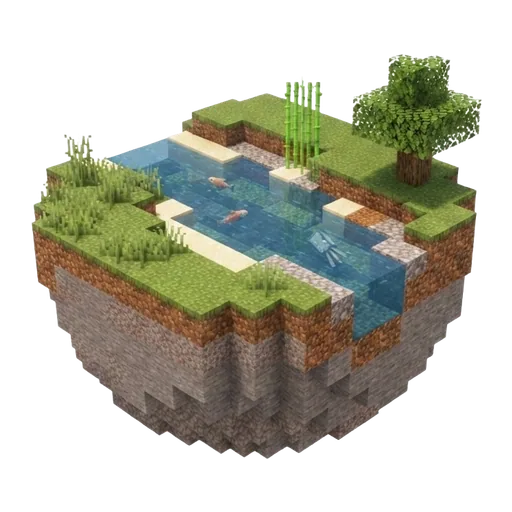
Savannas
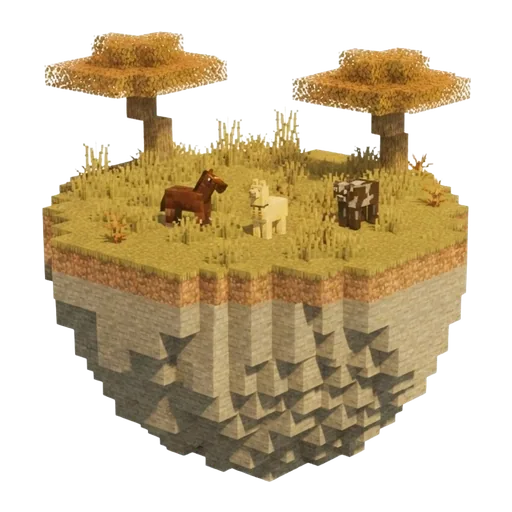
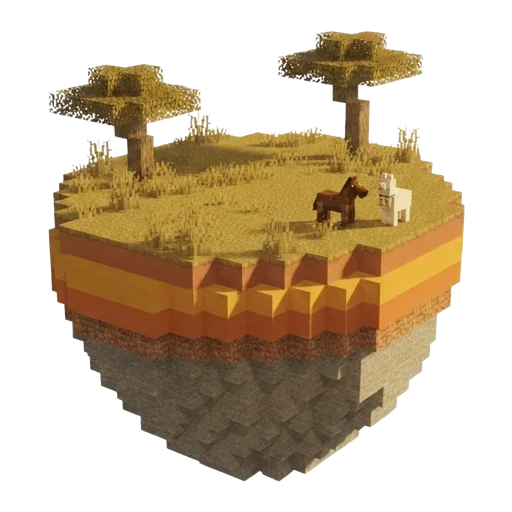
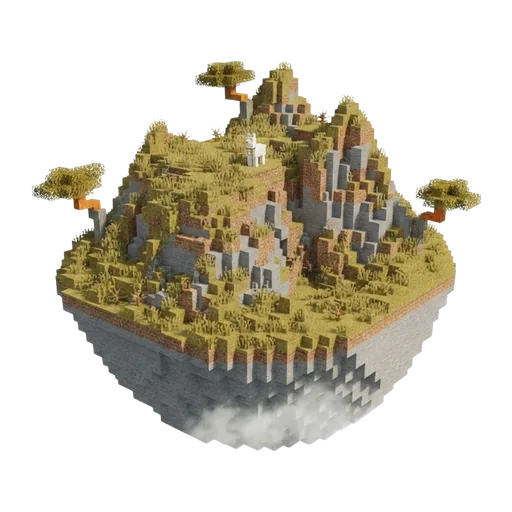
Swamps
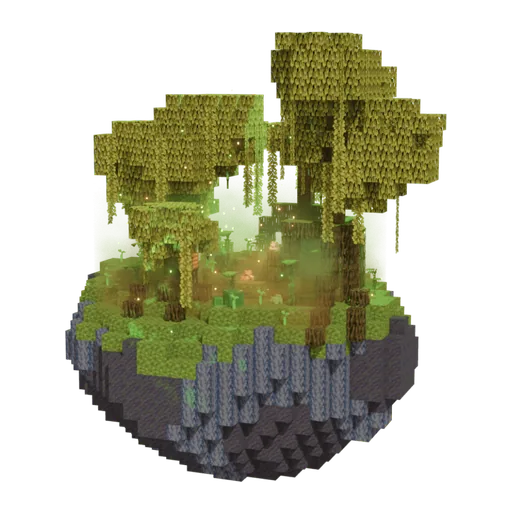
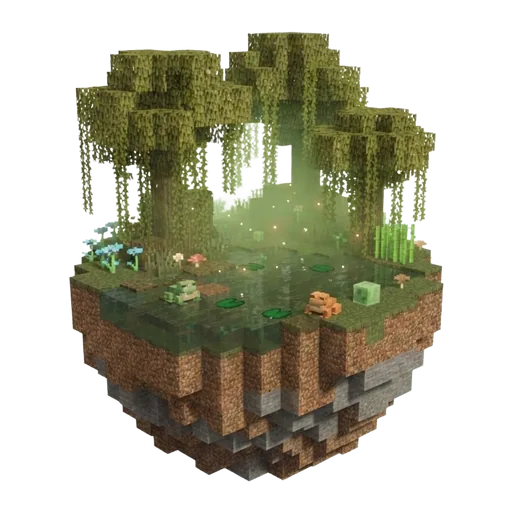
Taigas
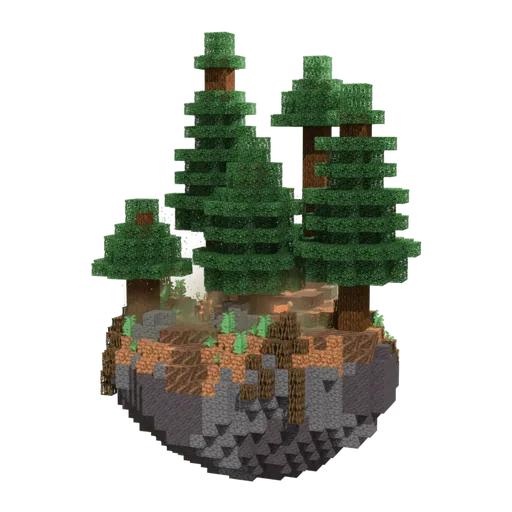 Old Growth Pine Taiga FinderThe Overworld surface, as rare pockets within cool taiga and mountain regions.
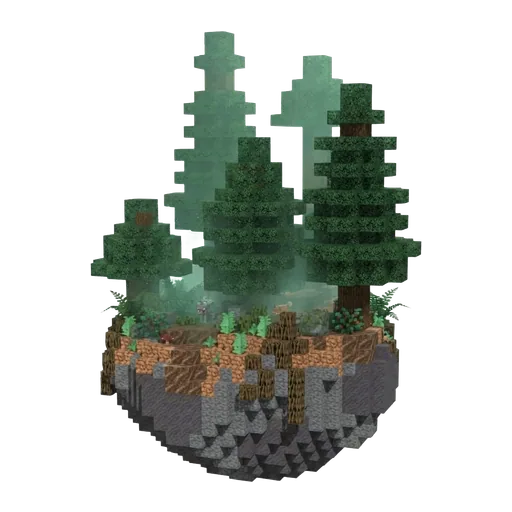 Old Growth Spruce Taiga FinderThe Overworld surface, as rare patches near old growth pine taiga and cool taiga regions.
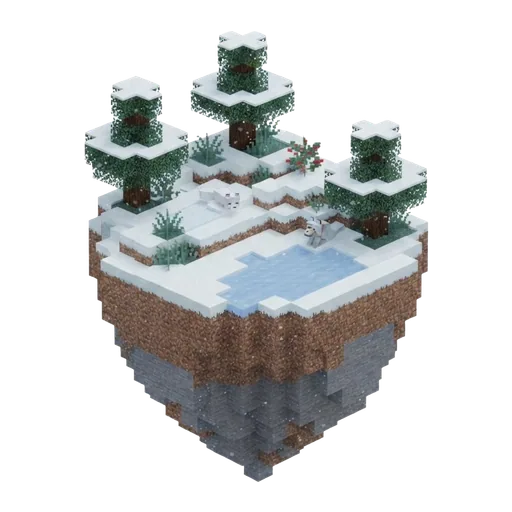 Snowy Taiga FinderThe Overworld surface, in cold and snowy regions toward the world's frozen zones.
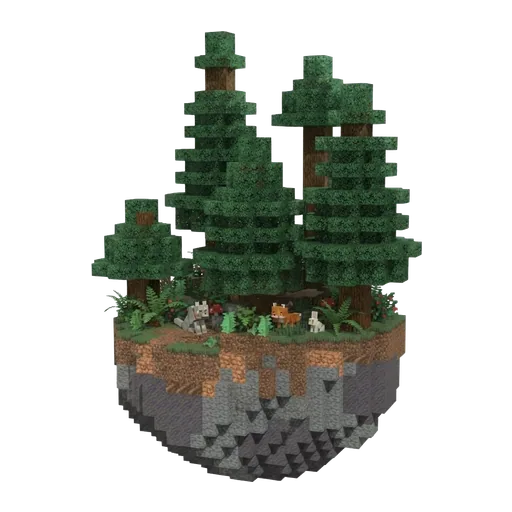 Taiga FinderThe Overworld surface, across cool inland and mid-latitude regions.
The Nether
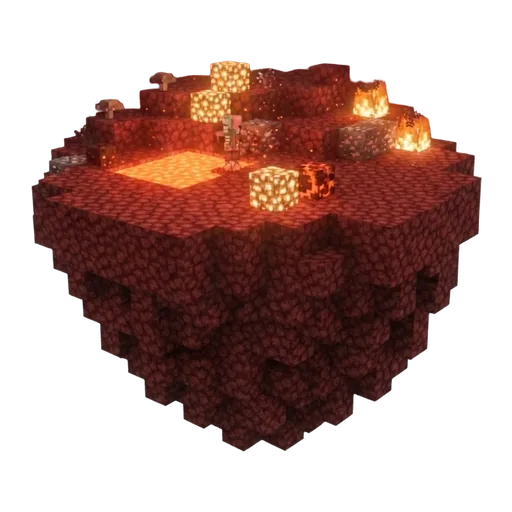 Nether Wastes FinderThe Nether - the default and most common biome across the dimension
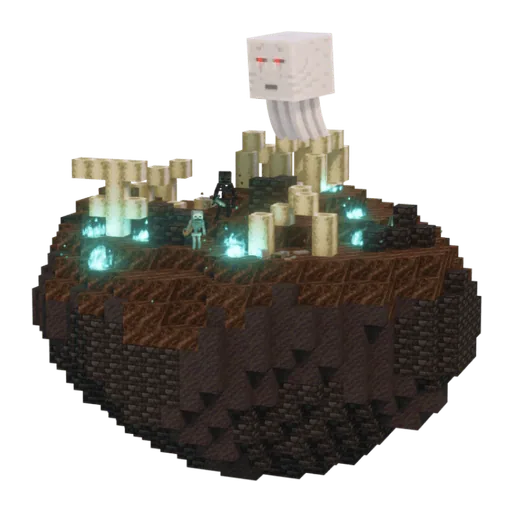 Soul Sand Valley FinderThe Nether - wide open valleys of soul sand and soul soil
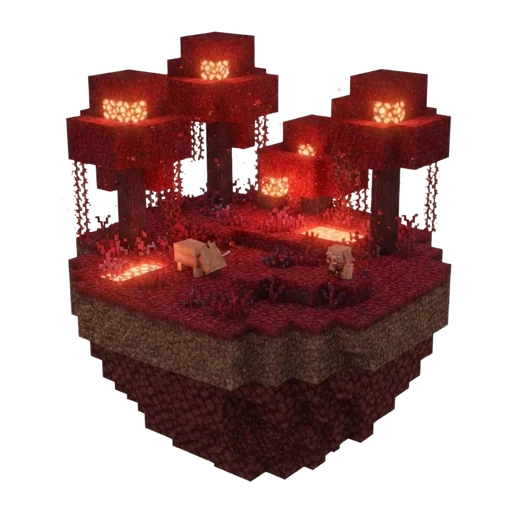 Crimson Forest FinderThe Nether - dense red fungal forests on crimson nylium
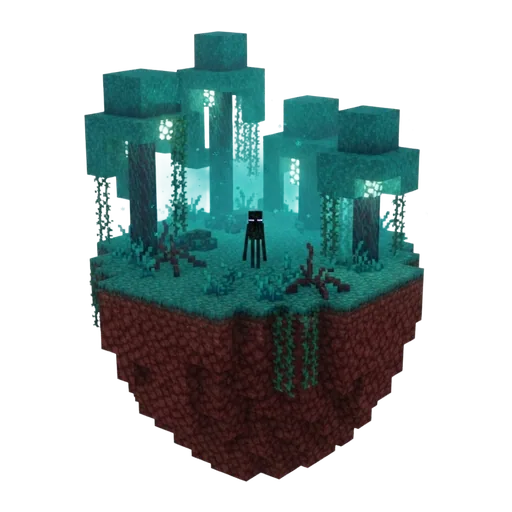 Warped Forest FinderThe Nether - teal fungal forests on warped nylium
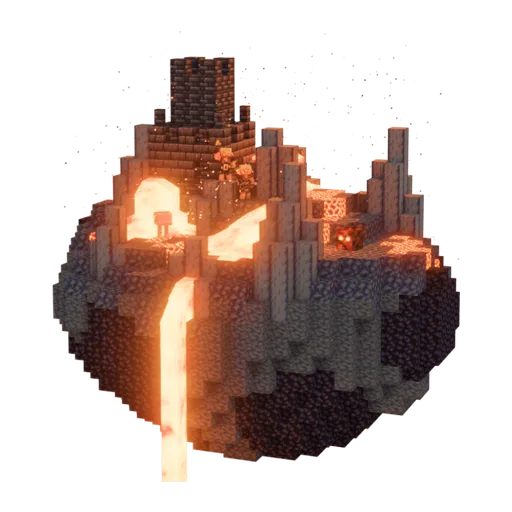 Basalt Deltas FinderThe Nether - broken volcanic terrain of basalt columns and lava
The End
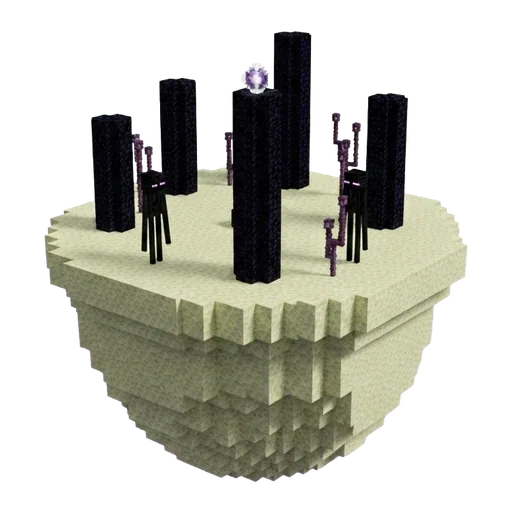 The End FinderThe End dimension, the central island at its centre (around X/Z 0, 0)
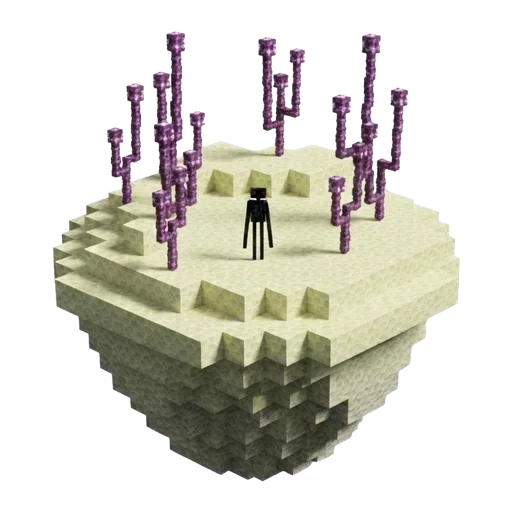 Small End Islands FinderThe End dimension, dotted across the void between the central island and the outer islands
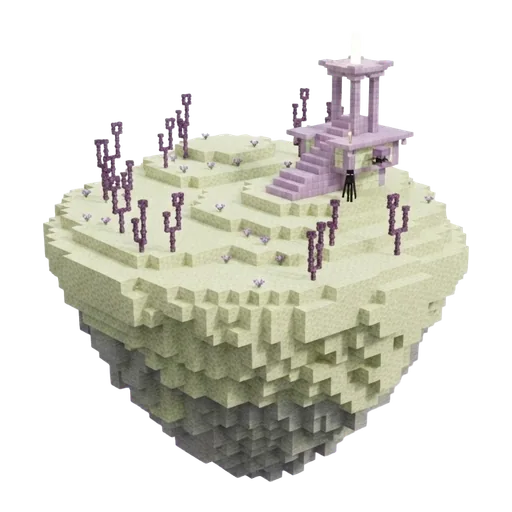 End Midlands FinderThe End dimension, the mid-elevation slopes of the large outer islands
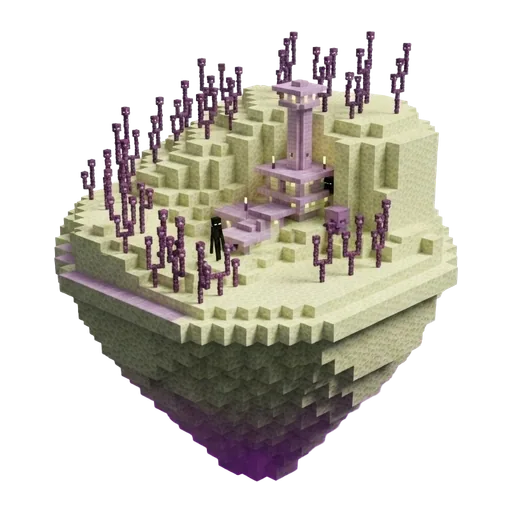 End Highlands FinderThe End dimension, the high central hill-tops of the large outer islands
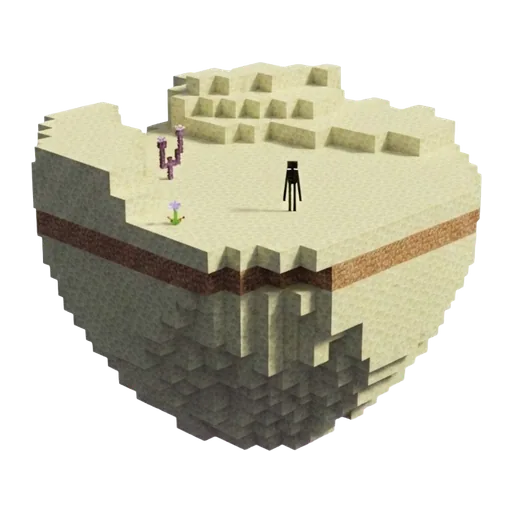 End Barrens FinderThe End dimension, the outer cliff edges of the large End islands